
Masthead 2026
Used to add a basic Masthead to a page.
Content Type Details
- ID: 82651
- Name: Masthead 2026
- Minimum user level: Contributor
- Compatible with page layouts: All 2026 Layouts
Instructions
The Masthead content type should be used on every section within the website. It always display first, above any other content types.
You can choose with the 'Masthead Layout to use' element from the following design layouts.
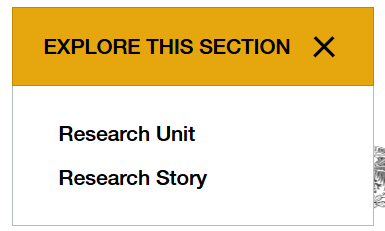
If the 'Fullwidth' Masthead is selected, it will display a navigation dropdown underneath if the current section has child sections.
Content Type Elements Details
| Name | Description | Size | Type | Required | Conditionally Shown |
|---|---|---|---|---|---|
| Name | The Name Element | 80 Characters | Plain Text | Yes | No |
| Masthead Layout to use | Select the Masthead layout Choose from options: Fullwidth Image, Image Slider, Centered Text, Inner page | N/A | Select Box (List: Masthead Layouts) | No | No |
| Small Image | Use this for inner pages where image is not as wide | N/A | Media | No | Yes |
| Masthead Description | Enter optional description under heading | 300 Characters | Plain Text | No | Yes |
| Image 1 | Select an image from the media library to show as the hero image | N/A | Media | Yes | Yes |
| Heading Text 1 | Enter the Heading that appears in the box, set as H1 and bold text to output as yellow. | 80 Characters | HTML | Yes | Yes |
| CTA Buttons 1 | Enter information for the button that appears beneath the Heading/Description. | N/A | Repeater | Yes | Yes |
| Image 2 | Select an image from the media library to show as the hero image | N/A | Media | No | Yes |
| Heading Text 2 | Enter the Heading that appears in the box, set as H1 and bold text to output as yellow. | 80 Characters | HTML | No | Yes |
| CTA Buttons 2 | Enter information for the button that appears beneath the Heading/Description. | N/A | Repeater | Yes | Yes |
| Image 3 | Select an image from the media library to show as the hero image | N/A | Media | No | Yes |
| Heading Text 3 | Enter the Heading that appears in the box, set as H1 and bold text to output as yellow. | 80 Characters | HTML | No | Yes |
| CTA Buttons 3 | Enter information for the button that appears beneath the Heading/Description. | N/A | Repeater | Yes | Yes |