
Events
Used to add an events to a section
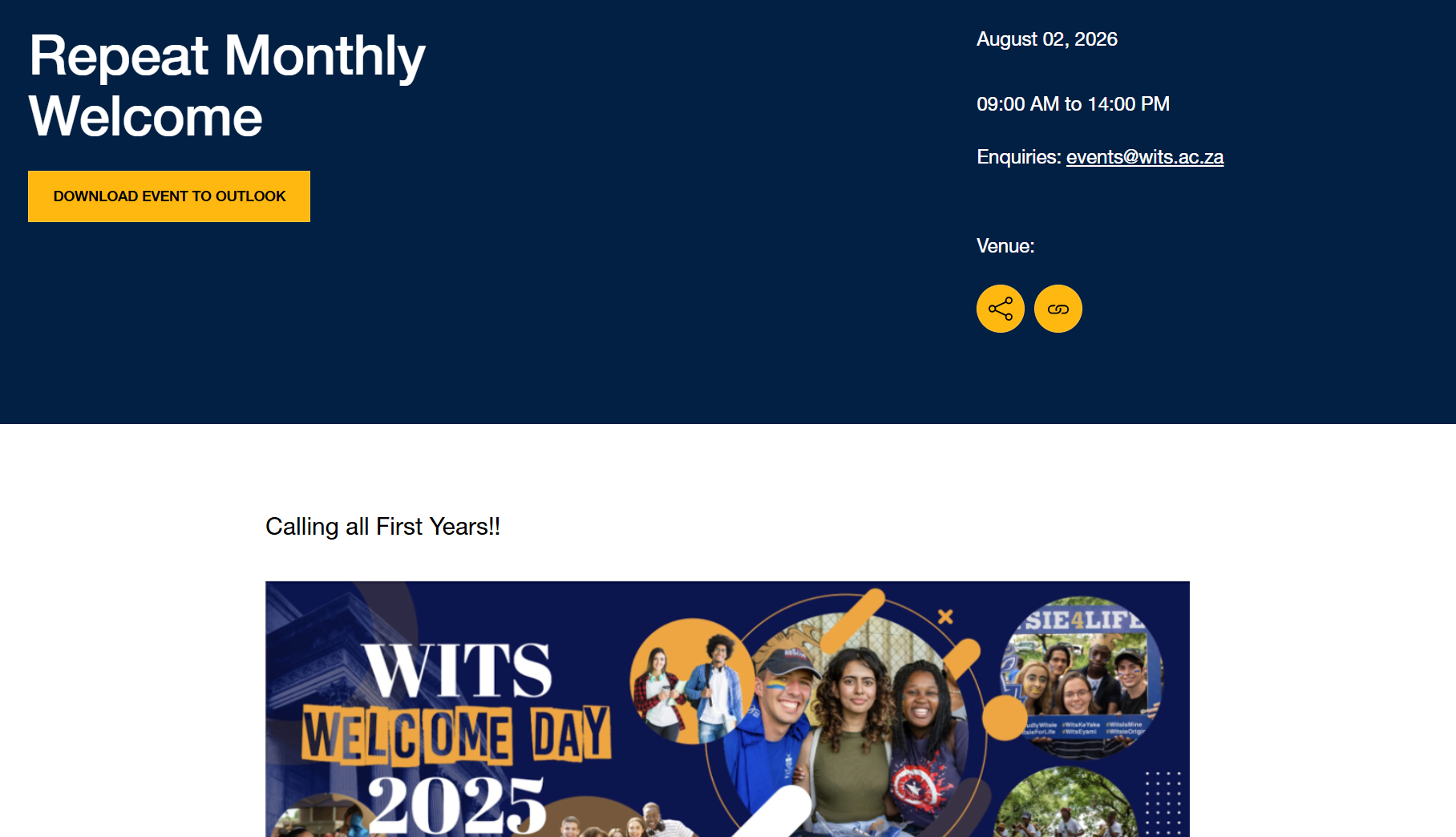
Content Type Details
- ID: 71
- Name: Events
- Minimum user level: Moderator
- Compatible with page layouts: All 2026 Layouts
Content Type Elements Details
| Name | Description | Size | Type | Required | Conditionally Shown |
|---|---|---|---|---|---|
| Name | The Name element | 80 Characters | Plain Text | Yes | No |
| Title | 100 Characters | Plain Text | Yes | No | |
| Event Type | Choose from options such as: Alumni, Arts and culture, Lectures, workshops and conferences, Online and In-Person, Online Event | N/A | Multi-select List (List: Wits - Event Type) | Yes | No |
| Start Date | N/A | Date | Yes | No | |
| End Date | N/A | Date | No | No | |
| Category | Choose from options such as: Alumni, Arts and culture, Centenary Events, Lectures, workshops and conferences, Online Conference | N/A | Multi-select List (List: Wits - Events category) | No | No |
| Sub Category | Choose from options: | N/A | Multi-select List (List: Wits - Events subcategory) | No | No |
| Campus | Choose from options such as: Braamfontein Campus East, Braamfontein Campus West, Off campus, Parktown Education Campus, Parktown Health Sciences Campus | N/A | Select Box (List: Wits - Campus) | No | No |
| Venue | Choose from options such as: Adler Museum, Amphitheatre, Anthropology Museum, Bert Wessels Auditorium, WBS, Bozzoli Sports Pavilion | N/A | Select Box (List: Wits - Venue) | No | No |
| Other Venue | 200 Characters | Plain Text | No | No | |
| Google Maps Embed Code | Paste the entire embed code here | 500 Characters | Plain Text | No | No |
| Enquiries | 500 Characters | HTML | Yes | No | |
| RSVP | 500 Characters | HTML | No | No | |
| Cost | 100 Characters | Plain Text | No | No | |
| Intro | 160 Characters | Plain Text | Yes | No | |
| Event Body | 9999 Characters | HTML | Yes | No | |
| Image | N/A | Media | No | No | |
| Video | 200 Characters | Plain Text | No | No | |
| Audio | 200 Characters | Plain Text | No | No | |
| Org. Unit | Choose from options such as: Afretec, Agincourt, Alumni Relations, Antiviral Gene Therapy Research Unit, Centre for Applied Legal Studies | N/A | Multi-select List (List: Wits - Org. Unit) | No | No |
| All Day Event? | Check if this is an all-day event. This option will define if the Event is a full-day event, and in this way will ignore the time defined in Start Date and Time and End Date and Time Choose from options: Yes | N/A | Check Box (List: Yes - unchecked by default) | No | No |
| Recurs Every | Select recurring state from the list. It needs to be always selected and it should be Never by default. If Ad-hoc please provide the specific dates in Ad-hoc Recurrence Events 1/2/3. Choose from options such as: Daily, Monthly, Weekly, Yearly, Never | N/A | Select Box (List: T4 dev - Recurs Every) | Yes | No |
| Recurrence End Date | Enter when the recurring finishes. Allowed when "Recurs Every" is different from Never. Specifies the final date of the final recurrence date of the event. | N/A | Date | No | No |
| Ad-hoc Recurrence 1 | Select custom recurring date only if the "Recurs Every" element is selected "Ad-hoc" | N/A | Date | No | No |
| Ad-hoc Recurrence 2 | Select custom recurring date only if the "Recurs Every" element is selected "Ad-hoc" | N/A | Date | No | No |
| Ad-hoc Recurrence 3 | Select custom recurring date only if the "Recurs Every" element is selected "Ad-hoc" | N/A | Date | No | No |